

AC control from anywhere
Power, mode, temperature and fan speed from the app, at home or away.
Climate Control
Run your split ACs from your phone or by voice, see the temperature and humidity in every room, and put cooling and heating on a schedule.
See it in action
A summer afternoon, and an AC that starts before you do.
3:30 PM41° outside, 34° insideNobody’s home and the lounge has been heating up all afternoon.
How it works
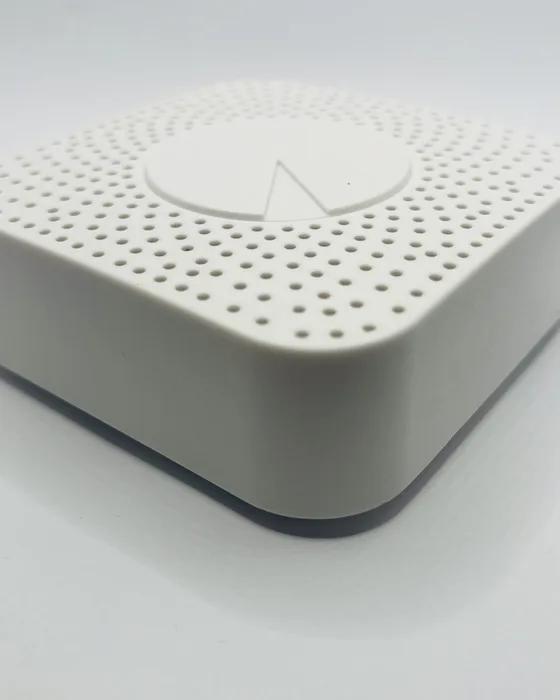
A small infrared controller in each room talks to your split AC the same way its remote does. No changes to the AC and no rewiring.
Sensors track temperature and humidity in each room and outside, so you can see how the house actually feels and let the system respond.
What it does
AC control, room readings and schedules, working together.
Power, mode, temperature and fan speed from the app, at home or away.
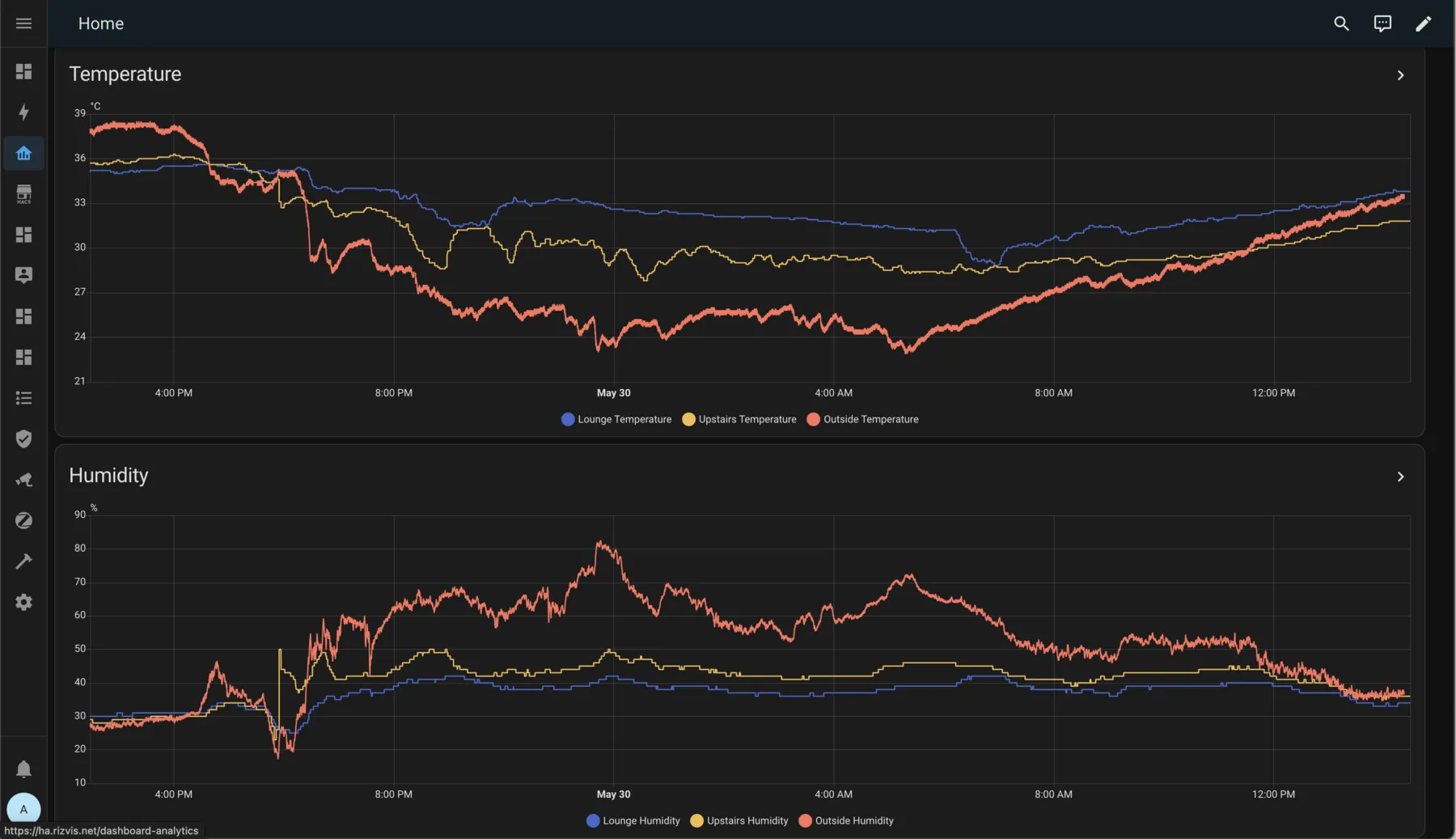
Live readings and history for each room, plus the temperature outside.
Cool bedrooms before bedtime and switch ACs off at the times you usually leave.
Combine AC, fans, curtains and lights in one tap: “Sleep”, “Away”, “Guests”.
“Set the bedroom to 24 degrees.” Works with Google Home and Alexa.
Hot water ready in the morning, heaters on before you wake, and nothing running all day.
In the HomeHaven app
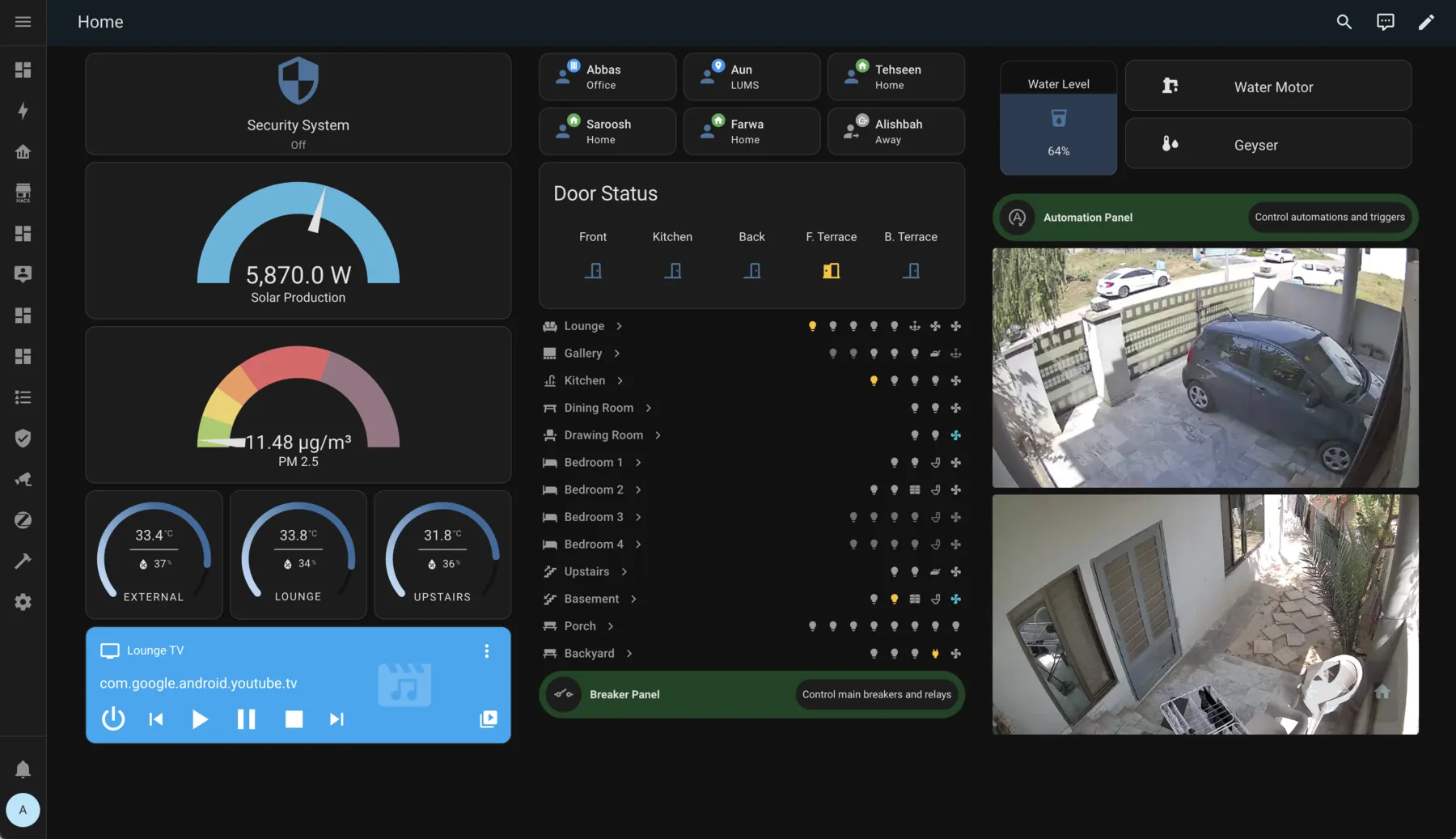
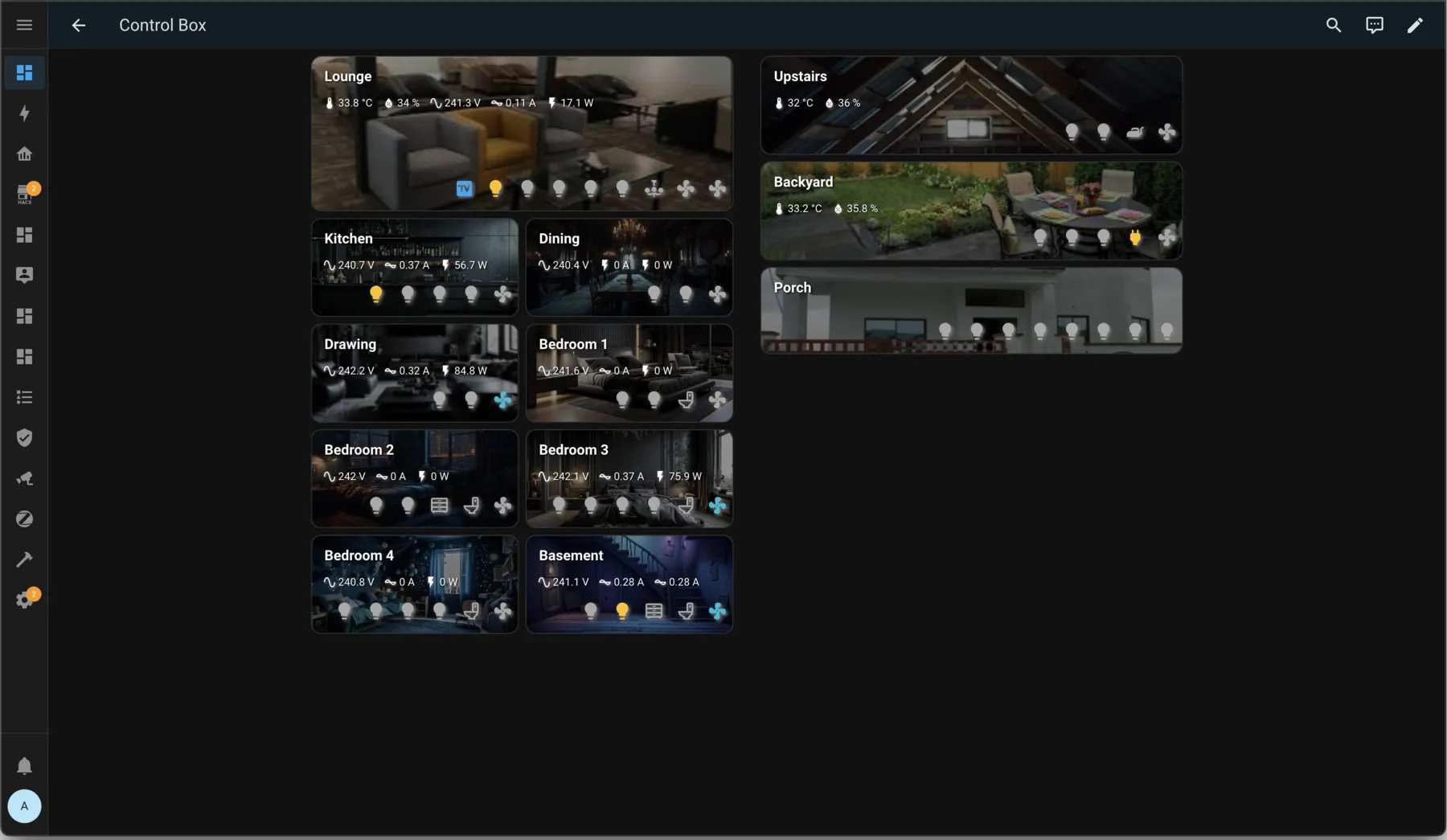
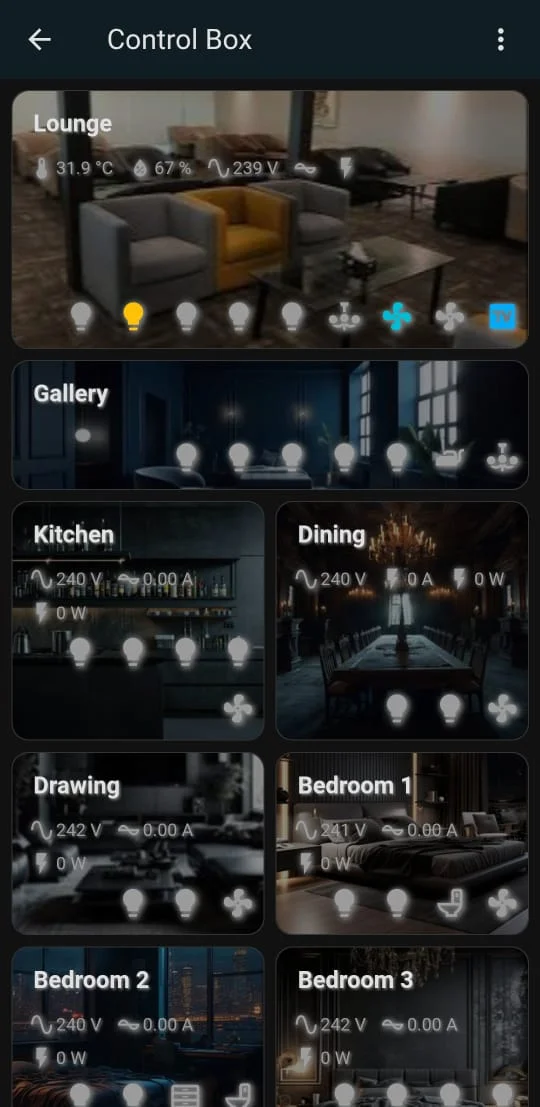
Room cards show the temperature and humidity next to the controls, so you can see where it’s too warm and fix it from the same screen.
Temperature and humidity on each room card.
Compare your rooms with the temperature outdoors.
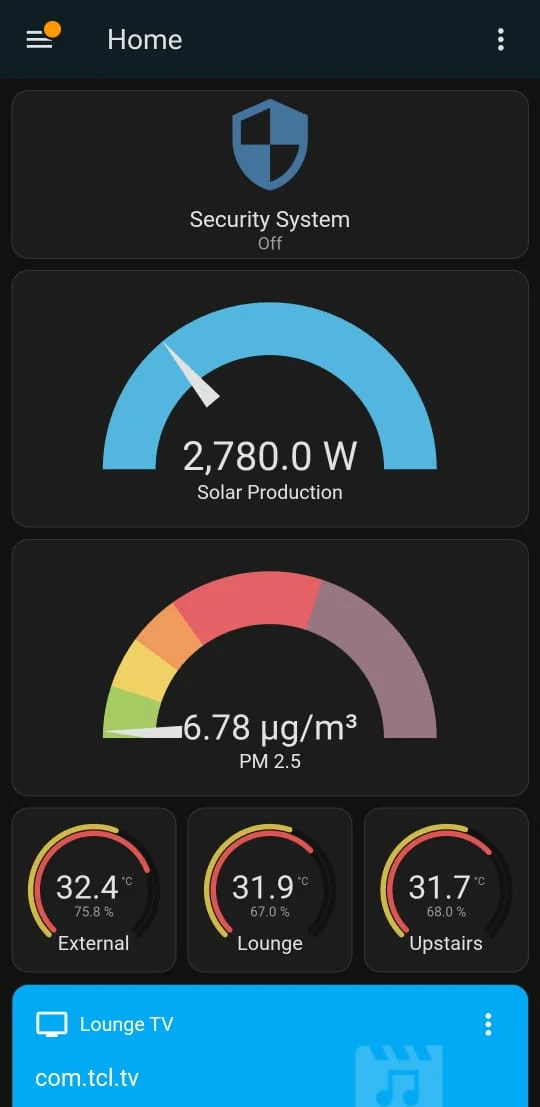
The same readings on the mobile home screen.
Hardware
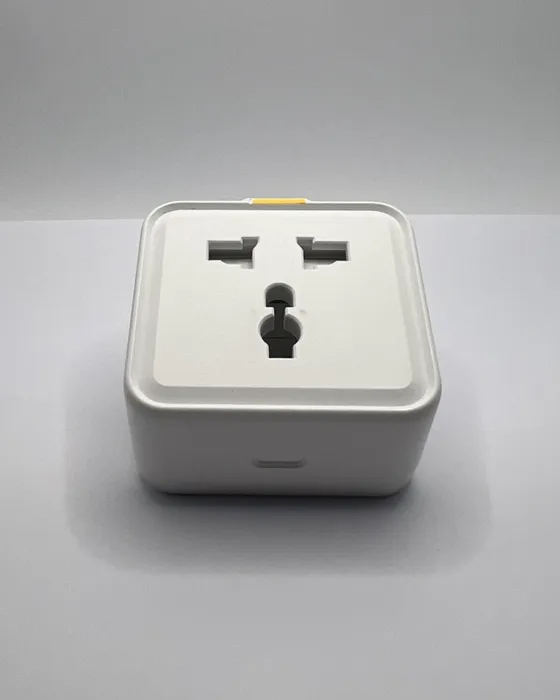
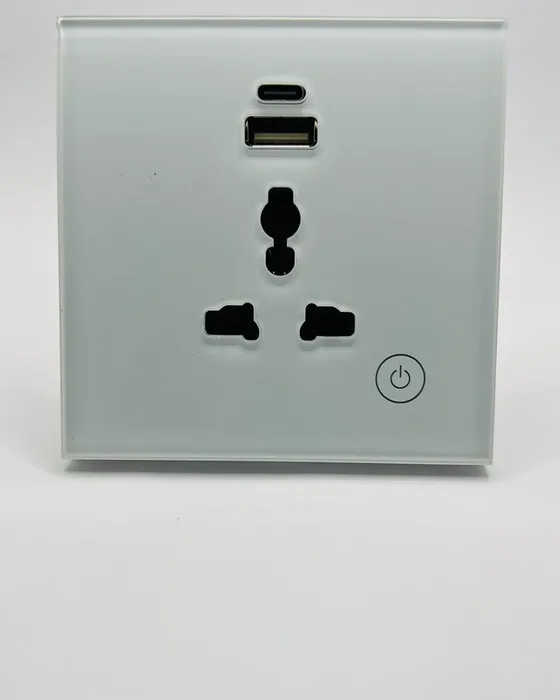
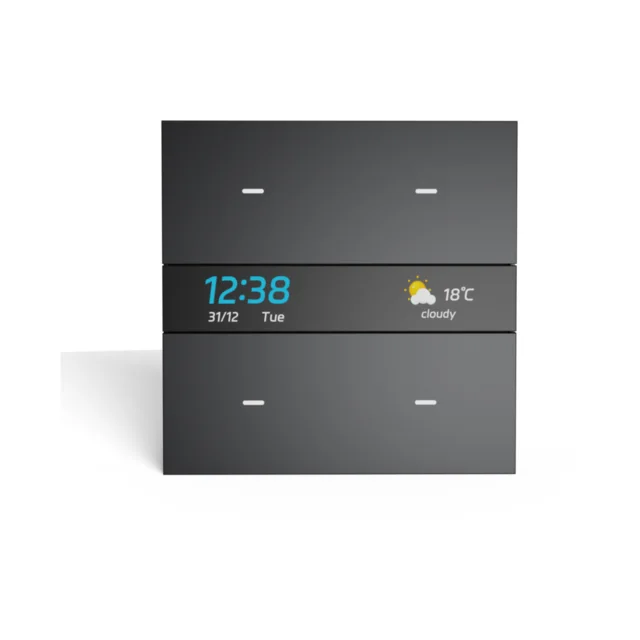
Compact hardware that works with the ACs and appliances you already have.
Pricing
Climate control starts at Smart Living. One-time installation, priced by level.
From PKR 650,000
Not included at this level.
From PKR 1,000,000
From PKR 1,450,000
Works together
We check every room and AC during the survey and tell you exactly what you’ll need. The survey is free and there’s no obligation.